How I lead with AI In my own work, and across my team
AI doesn’t replace design judgment — it gives a team more time for it. Here is how I use AI day to day, how I bring it into a design team, and what I’ve learned designing AI products.
In my own work
Research synthesis
My main tool today is Claude Code. I use it to cluster interview notes and survey answers into themes — then I check every theme against the raw quotes myself.
Prototyping in code
I build working prototypes in real code with Claude Code, so stakeholders and users react to real interactions, data and edge cases — not static screens.
Figma, connected to code
Figma stays the home of the design. Through the Figma MCP server, Claude Code reads frames, components and tokens straight from the file — so prototypes and code start from the real design system, not from screenshots. For quick ideas I use Figma Make to go from a prompt to a clickable prototype.
Writing & content
First drafts of UX copy, specs and release notes come from AI; a person edits, owns and signs off on every word.
Design exploration
I work fluently across the major AI tools — chat assistants, coding agents, and image and video generators — and pick the right one for each task. AI helps me explore more directions early; final design decisions stay human.
Across my team
A design system AI can read
Clean components, variables and Code Connect mappings in Figma mean AI tools build with our system — the same buttons, tokens and spacing — instead of inventing their own. Keeping the library tidy is now part of the job.
Shared tools and guidelines
One shared toolset, clear rules on what can and can’t be shared with AI (never customer data without approval), and every AI output reviewed like any other design work.
Learning together
Designers regularly share an AI workflow that saved them time, so good habits spread across the team instead of staying with one person.
Quality stays human
AI speeds up the first draft; critique, accessibility checks and the final call stay with the designers.
Impact
Faster research synthesis and more prototypes tested per sprint — so the team spends its time on judgment, not on busywork.
Designing AI productsPrinciples I keep coming back to
Show the confidence
Predictions come with a clear confidence level and a plain-language hint (Curve, Vectoria).
Explain the why
Users can open “Explain this insight” and see what drives a result (Curve).
People make the call
AI suggests; the person reviews and decides before anything goes live (Engageli Studio).
Case in point: this website
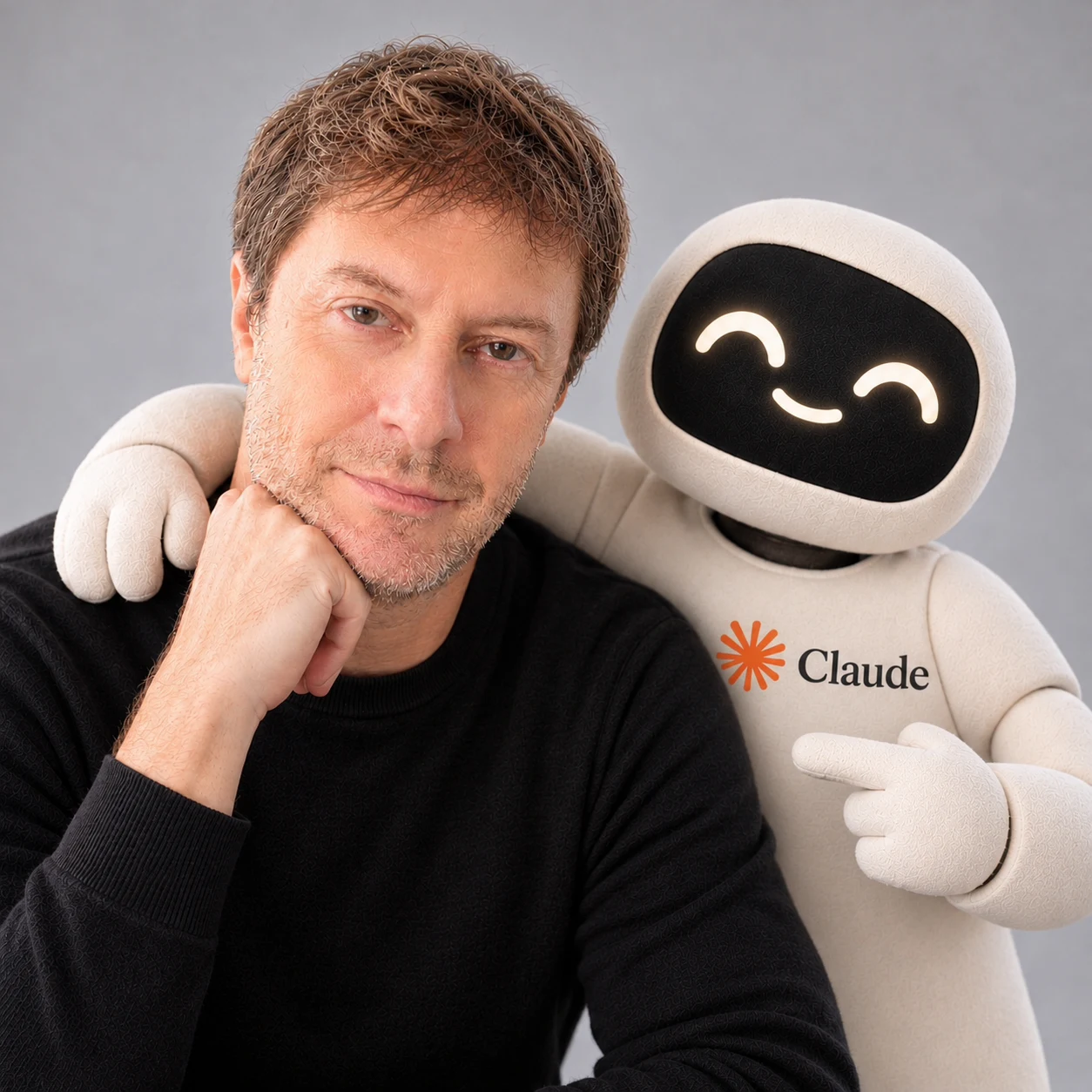
This portfolio started as a Figma Sites project. I rebuilt it in code with Claude Code — moving every page, image and animation from Figma to code, checking each page side by side with the original, and deploying it to Vercel from GitHub.
The first version took about a day, working with Claude Code as my partner — the same way I’d want my team to use AI: I set the direction and the standard, and checked every result.
The “Ask my portfolio” chat on the home page is part of it. It runs on Gemini and answers only from the text on these pages and a short list of facts I approved.
Beyond this site
I also build complete products myself. With Claude Code and other AI tools, I’ve taken complex products from idea to production, including the parts that used to need developers: backend, databases, integrations, analytics and admin back offices.
It keeps me honest about what AI can and can’t do, and it changes how I lead designers and work with engineers. Happy to walk you through them in person.
Hiring a design leader?
Let’s talk about how I can help your team.